
Finally Third Bus arrival timings, muse-ings and my AI entourage
Hi there!
Hope your week has been good so far!
I’ve made two small changes to the Bus Aunty firmware over the last two updates (1.08.1 and 1.08.2):
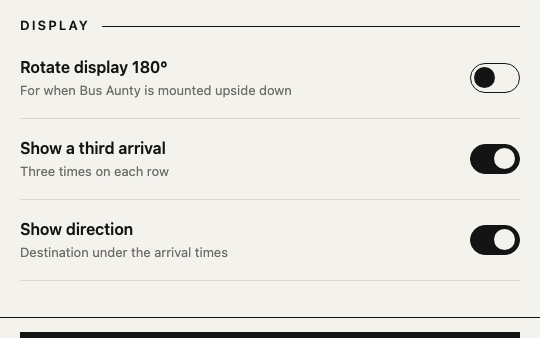
- Third arrival times (1.08.1), because people apparently want to plan their journeys that far ahead. I covered this in Newsletter #3, but it led to another problem: the screen started to look too crowded, so…
- A new “Show direction” toggle (1.08.2). Now both the third arrival and the destination line under each bus are options you can switch on or off. Direction stays on unless you turn it off.
To get 1.08.2, open bus-aunty.local on your home network and check for updates. Please remember to reboot the device once before that address works.
One of the most common questions I get is “Can I change the refresh rate of the Bus Aunty?”
The answer is no, and preferably not. Many of you may not know that my first run of Bus Aunty was a complete failure. After only one week of refreshes, the screens started to tear and fail. I had to refund every customer btw.
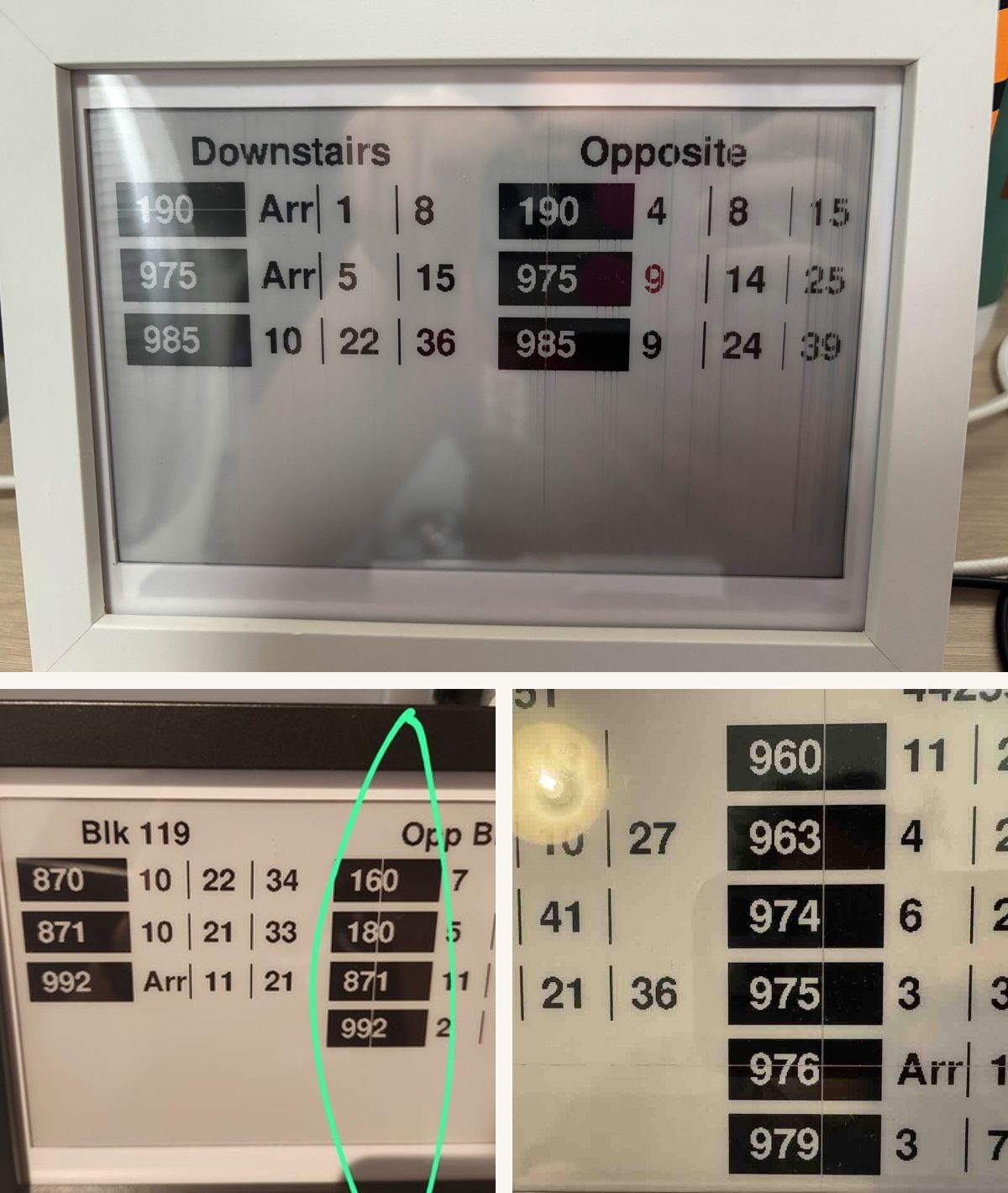
E-ink screens are a fickle bunch. Depending on the manufacturer, some screens have a minimum recommended display time, a bit like giving the “ink” time to settle. My current manufacturer recommends 30 seconds as the shortest interval that keeps the screens healthy for longer.
Even TRMNL devices, which use the same screen, have a minimum refresh time of 5 minutes, though that choice was made mostly because of server costs rather than screen longevity.
Speaking of things that quietly run in the background: lately the thing doing the most work around here isn’t a screen at all.
What I have been obsessed about recently
Persistent AI agents, mainly GrokBot. Muse just launched in Singapore, but I’ve been using GrokBot for the past month and I’m blown away by how seamlessly it has slipped into my life. Now, whenever I face even the smallest menial task, my first thought is: how can I get GrokBot to do this?
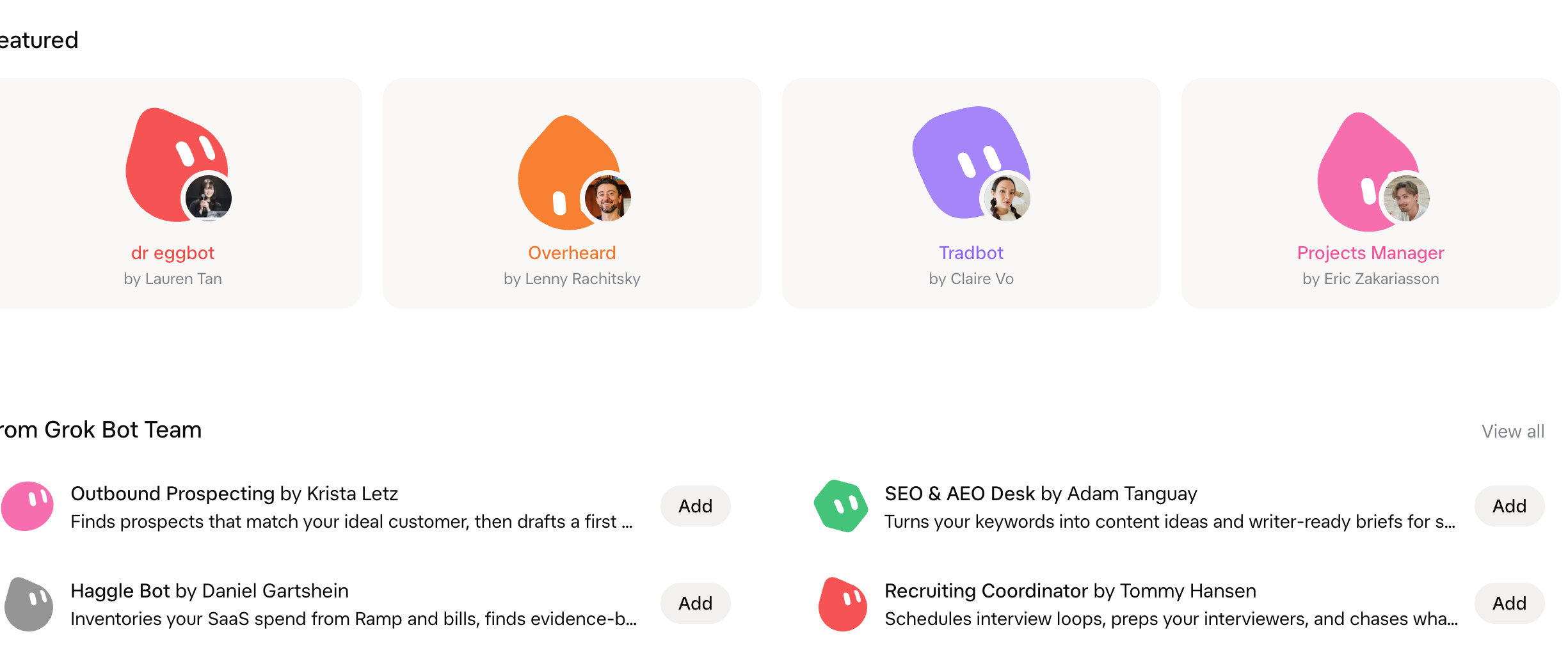
It handles my accounting, my workflows, my pull requests and my supplier email outreach. I’ve even “hired” a Packaging Designer, an AI agent I set up in GrokBot, to source packaging suppliers and coordinate with them. It also answers the most mundane requests from my accountant.
Top 5 things I get GrokBot to do:
- Send my card expense receipts to my accounting software to match expenses
- Catch me up on emails that come in during the day and remind me of things I need to follow up on
- Find suppliers in China to help me work on packaging and designs
- Plan, design, code, review pull requests and deploy my apps and products, end to end. Note: I’m no longer a developer or coder. I’m just a Product Manager now
- Pull information from documents I can’t remember saving, whether they’re on my computer, Google Drive, iCloud or Dropbox
I used to think that in a world where AI can build any app at the speed of thought, being good at CAD for my physical products would be my edge over every other creator out there. I was wrong.
Recently I gave GrokBot access to my Onshape account and an iPhone design spec document, and it made me a dimensionally accurate 1:1 model of the iPhone 18 Pro Max in CAD. It didn’t nail it in one shot, but after three iterations it was perfect, to my shock and awe.
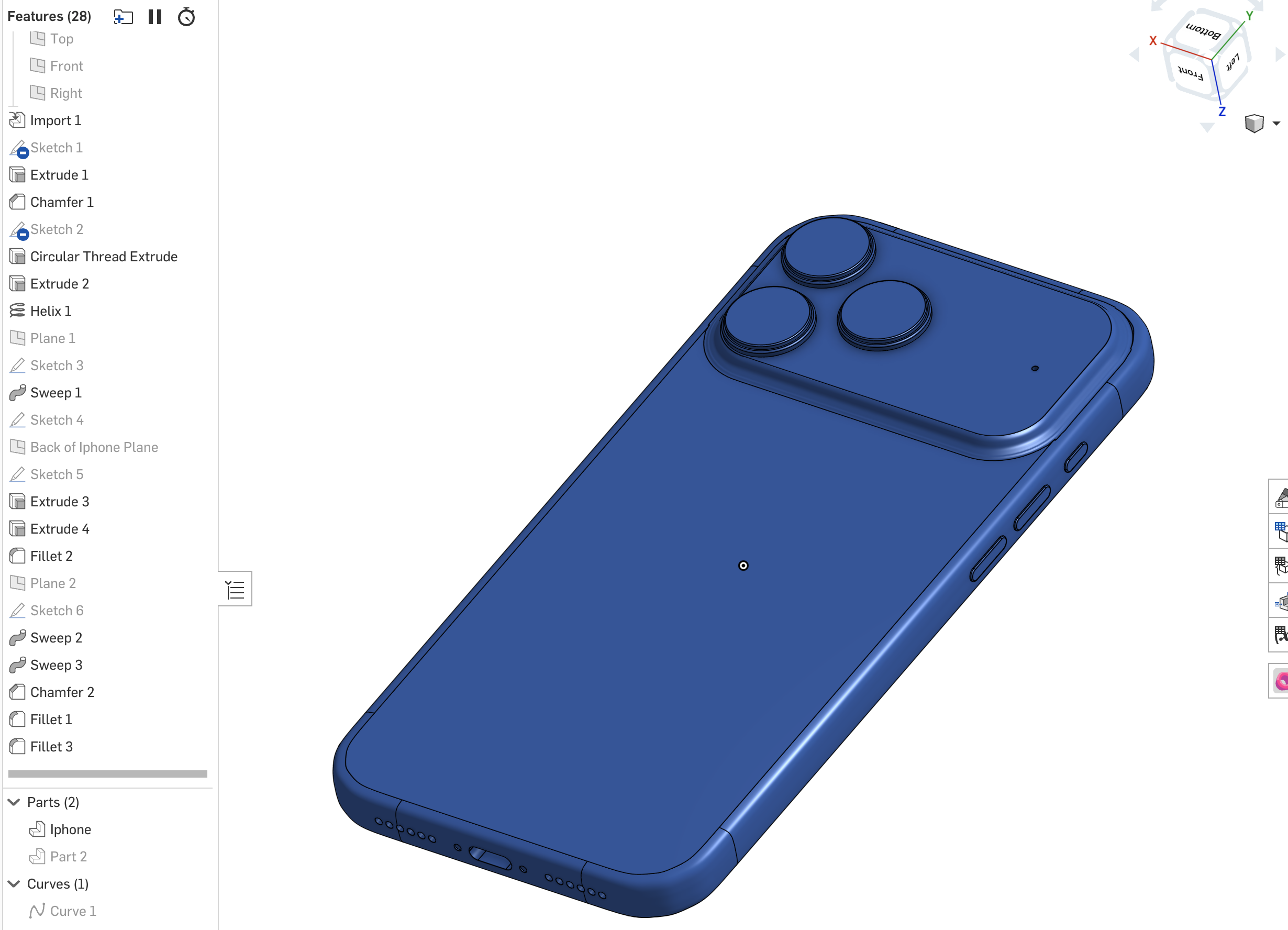
I’m designing a MagSafe camera filter attachment for the phone and needed an accurate model to design around. Needless to say, I think my days of CAD skills being a differentiator are nearly over.
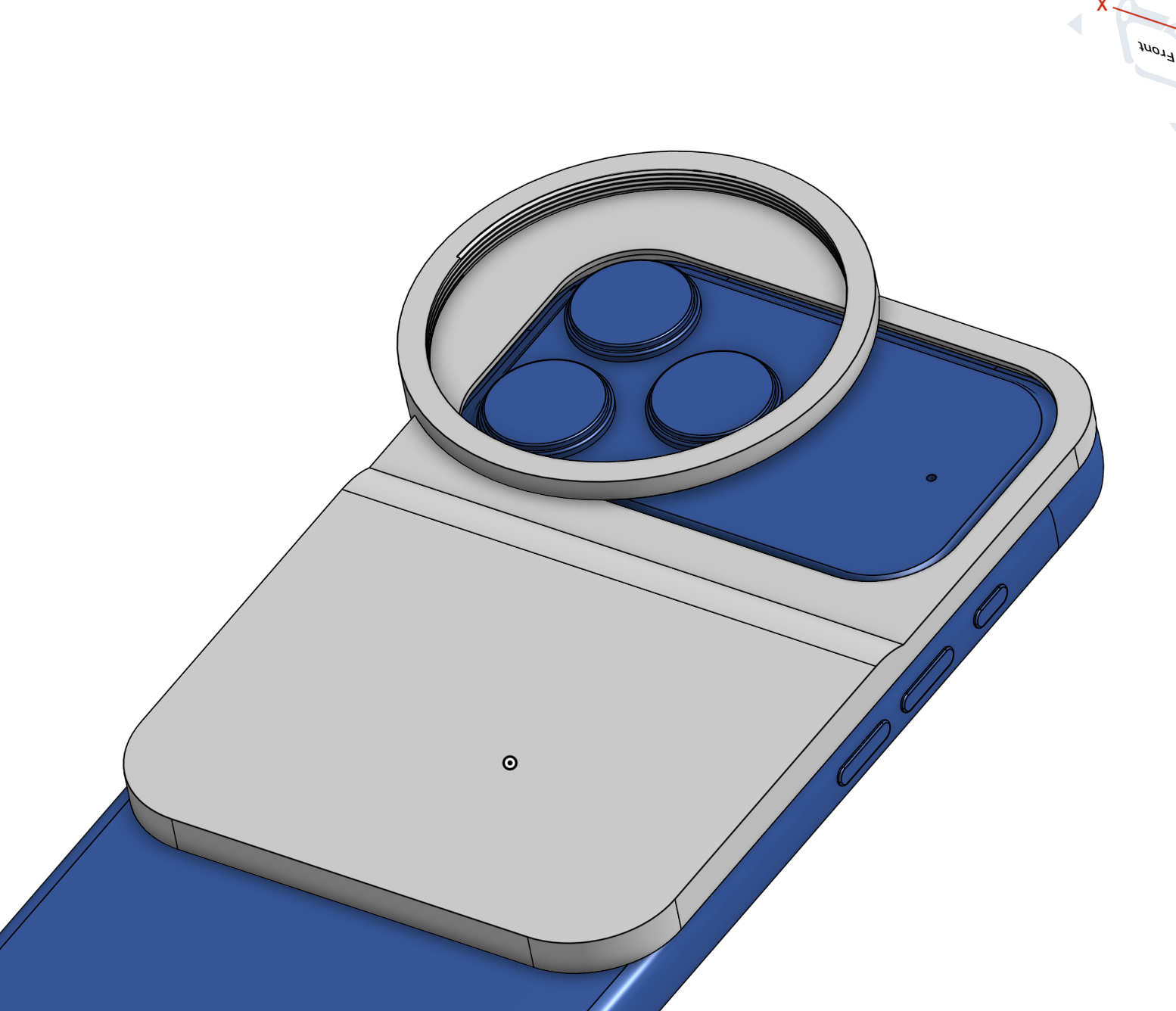
Either that, or designers can now iterate much faster with an AI assistant at their beck and call.
Have you used AI agents like these before? What are you building with them? What else are you automating in your life?
I’m curious to hear your responses!
Never Waiting at a Bus Stop,
Lionel