Bus Aunty
Bus Aunty - Bus Arrival Display for your Home
Couldn't load pickup availability

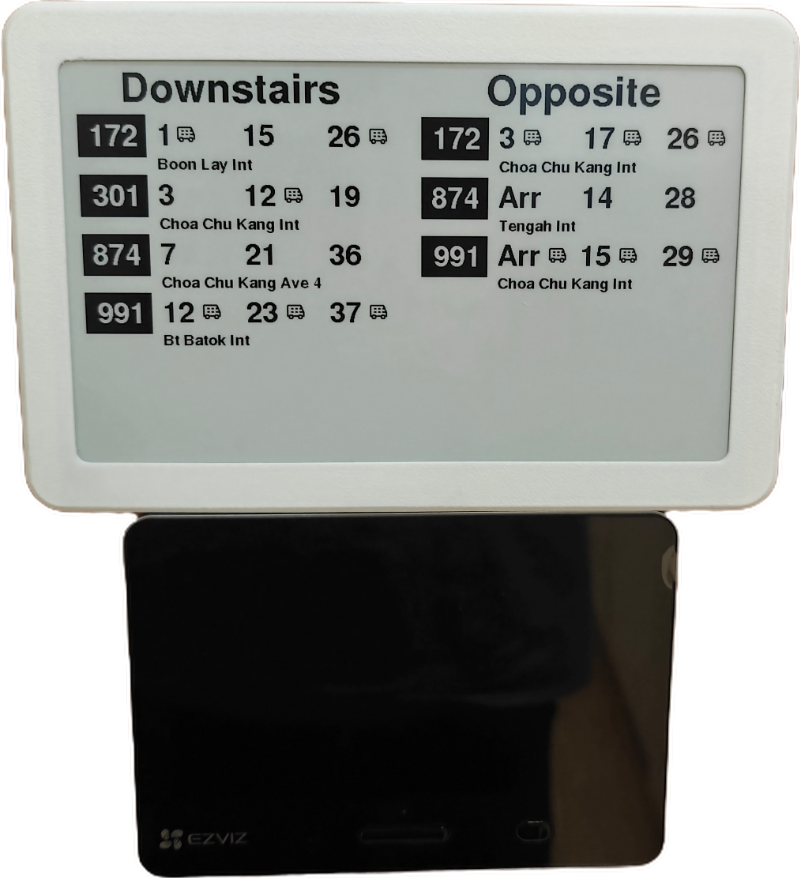
Real-Time Arrivals Without Checking Your Phone
⚡ORDER NOW TO GET BEFORE CHRISTMAS. SHIPS in 2-4 DAYS
Never Miss Your Bus Again!
Transform your daily commute with Bus Aunty - Singapore's first smart e-ink bus timer that shows live arrival times right on your wall. No more rushing to check apps or missing buses while getting ready.
Perfect for busy families, commuters, and anyone who values time.
Whether you're managing school drop-offs, catching your daily commute, or teaching kids independence, Bus Aunty keeps everyone informed at a glance. Inspired by a 5-year-old's need to catch an infrequent bus, it's now helping 50+ Singapore families stay on schedule.
Why Families Love Bus Aunty:
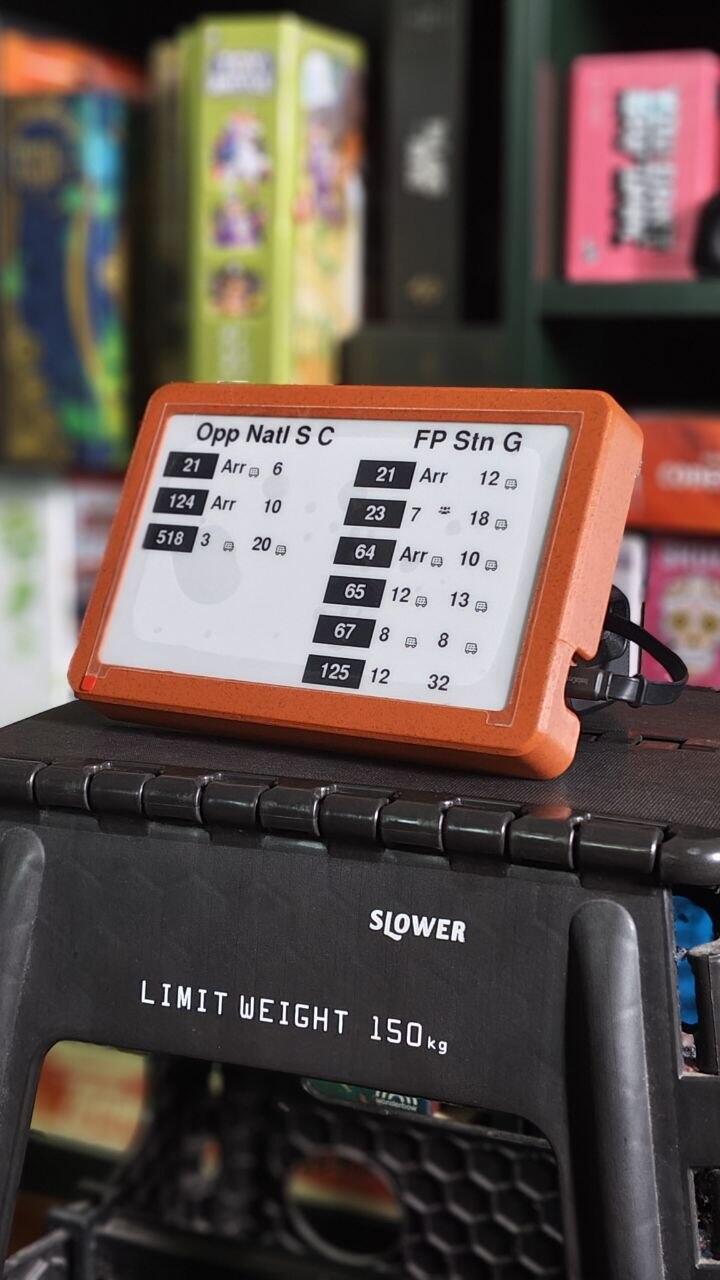
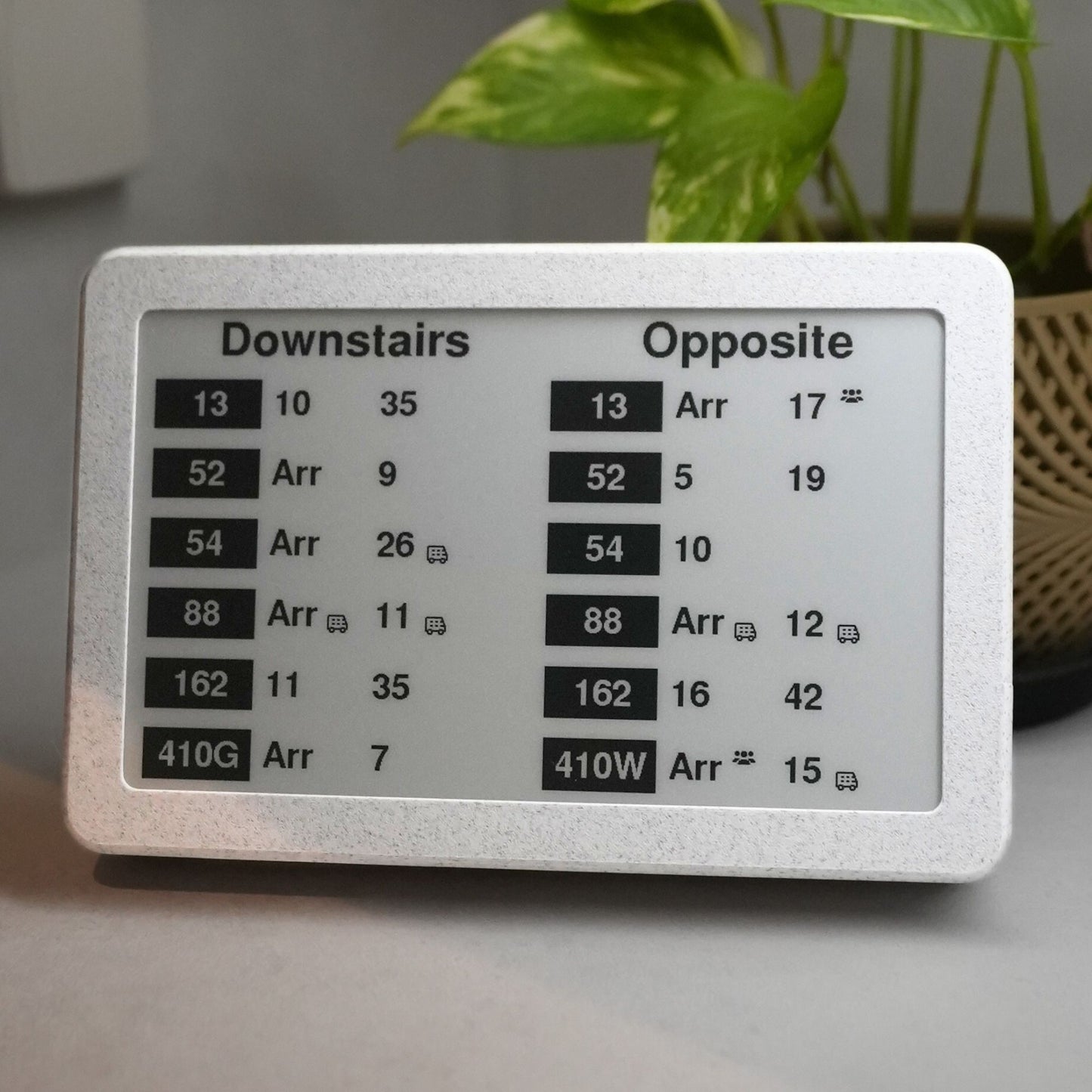
🚌 Always-On Bus Info: Live updates from LTA (same data as official apps). Configure up to 4 bus stops and filter to only the services you need.
📱 Screen-Free Solution: Kids learn time management without phone dependency. Parents get info while hands are full.
👀 Readable Anywhere: E-ink display works perfectly in bright sunlight or dim lighting - no glare, no eye strain.
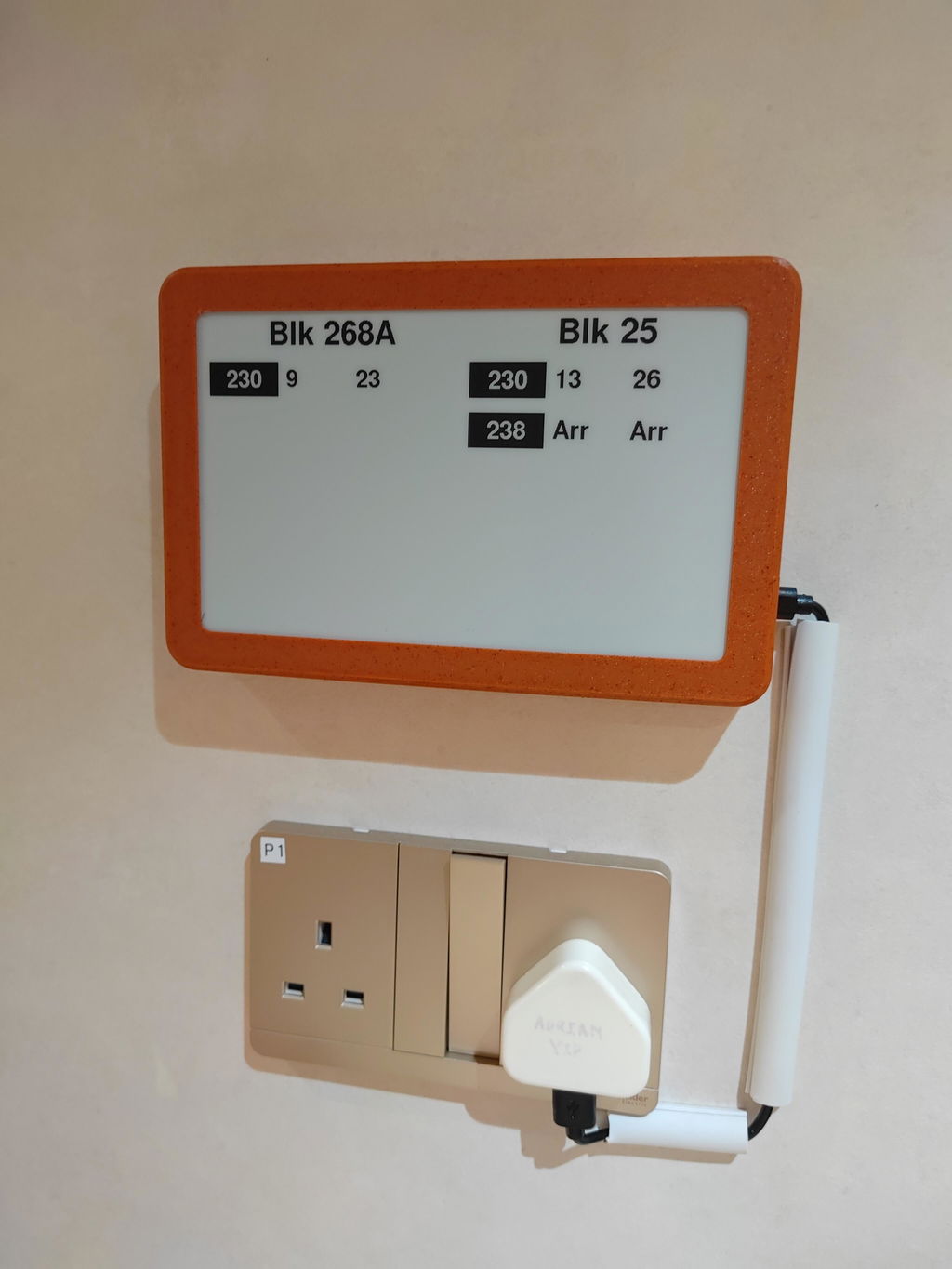
🏠 Fits Your Home: Warm, minimalist design that complements any space. Wall-mount or place on any surface.
⚡ Set & Forget: Ultra-low power, silent operation. Just plug in and connect to WiFi!
Real-Life Impact: "No more morning panic! We can see if we have 2 minutes or 12 minutes for the bus while eating breakfast." - Sarah, mother of two
🎯 Pre-Order Benefits (Limited Time):
✅ Lock in current price (retail will be $120)
✅ Priority shipping - ships 1-2 weeks vs 4-6 weeks for regular orders
✅ Free video setup support
✅ 30-day money back guarantee
Hand-assembled in Singapore - Only 200 units available in this batch. Next production run won't ship until JAN 2026
Frequently Asked Questions
Does it require power to work?
Yes, the Bus Aunty requires:
- 5V 1A USB-C Power supply (USB-C Cable not included)
- 2.4 Ghz Wifi connectivity
What's included?
Bus Aunty device comes with a kickstand and premade holes to hook on walls. USB-C power adapter not included but any 5V 1A phone charger will work.
How do I configure the Bus Aunty?
We have a handy dandy guide HERE!
How accurate are the bus times?
Bus Aunty syncs directly with Singapore's LTA DataMall for real-time accuracy - the same data used by official transit apps.
What do the symbols mean?
The little bus icon lets you know it is a double decker bus incoming. The other group icon means that there are limited seating available
📍 Perfect For:
⭐⭐⭐⭐⭐ Customer Love
It's pretty straightforward to use. Instructions are generally clear but maybe some people might appreciate additional information like "wait 15-30 seconds for it to load".
I can understand why if some people may find it a little confusing at the start. Upon connecting the USB, it blinks and then the original text remains. Which made me wonder if it's not working? Maybe a indicator to say "connected" might help?
Perhaps a mini booklet with step-by-step not just for setup but also how to change bus stops etc. in one page would be good to have. I know it's all in the website but just a feedback.
Whenever I come up with presentations or explaining things to someone for the first time, my question to myself is, "would a 5 year old understand this?" If it's a yes, it's good to go.
Hope this helps and thank you for making our lives a little bit more easier.
Awesome design. Really simple to setup. My family loves this
Hi Lino, the bus aunty shipped to me has a defect with the outer casing. The Type-C port is misaligned with the case, resulting in the inability to plug in the power cable 😞
It works well but I thought it was battery and charge style. Now I need to find a PowerPoint nearby to wire it.
Awesome product! Thank you.